
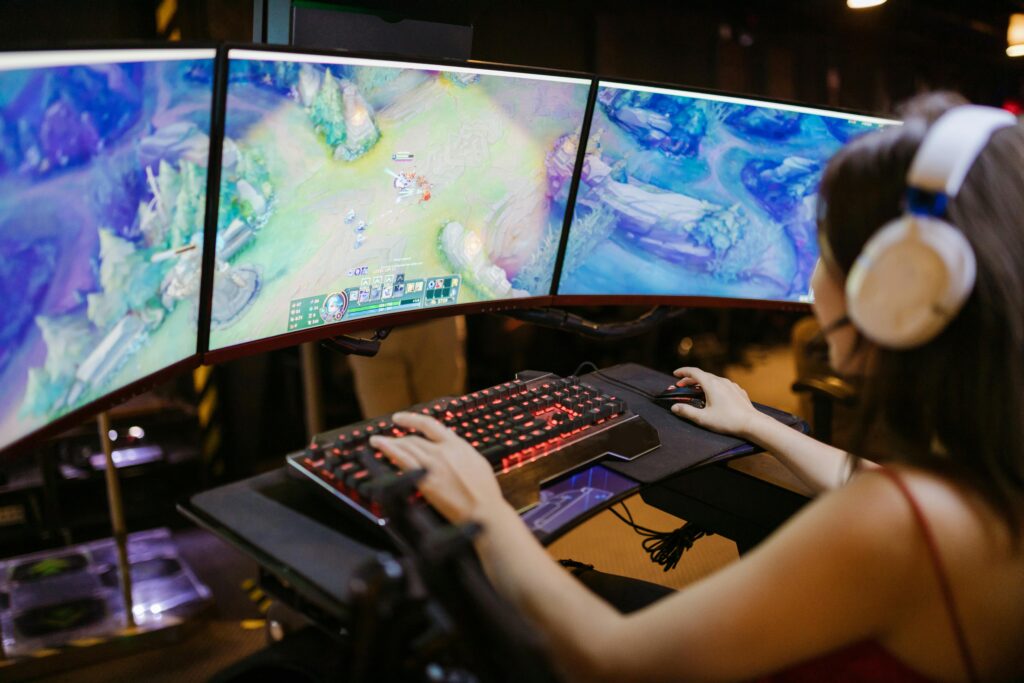
Cloud gaming is revolutionizing how we play, allowing you to stream high-quality games without needing a powerful gaming rig. Whether you use GeForce Now, Xbox Cloud Gaming, PlayStation Now, or Amazon Luna, optimizing your PC ensures a lag-free experience. Here’s how to get the best performance from cloud gaming services.
1. Ensure a Stable and Fast Internet Connection
Cloud gaming relies heavily on internet speed. To avoid lag and buffering, follow these steps:
- Recommended Speed: At least 15 Mbps for 720p, 25 Mbps for 1080p, and 50 Mbps+ for 4K gaming.
- Use a Wired Connection: Ethernet cables provide lower latency and more stability than Wi-Fi.
- Optimize Wi-Fi Settings: If wired isn’t an option, use 5GHz Wi-Fi, position your router closer, and reduce network congestion.
- Test Your Ping & Jitter: Use sites like Speedtest.net and aim for a ping below 30ms for a smooth experience.
2. Choose the Right Cloud Gaming Service for Your Needs
Different services offer unique features. Here’s a quick comparison:
- GeForce Now: Best for PC gamers with existing game libraries.
- Xbox Cloud Gaming: Ideal for Xbox Game Pass Ultimate subscribers.
- PlayStation Now: Perfect for PlayStation-exclusive titles.
- Amazon Luna: Great for subscription-based access to multiple games.
Make sure your preferred service supports your location to minimize latency.
3. Adjust PC Settings for Optimal Streaming
Your PC doesn’t need high-end specs, but tweaking settings can improve performance:
- Close Background Apps: Disable unnecessary programs using Task Manager to free up bandwidth.
- Enable Hardware Acceleration: In Chrome/Edge, go to Settings > System > Use hardware acceleration when available.
- Adjust Display Settings: Set resolution to native 1080p instead of upscaling to prevent lag.
4. Optimize Your Cloud Gaming App Settings
Most cloud gaming services allow you to tweak settings:
- Reduce Streaming Bitrate: If you experience lag, lower the bitrate to balance quality and performance.
- Enable Adaptive Sync: This helps reduce input delay and screen tearing.
- Set Frame Rate Limits: Keep FPS at 60 for smooth gameplay.
5. Improve Latency & Reduce Input Delay
Cloud gaming performance is tied to latency. Reduce delays with these tweaks:
- Disable VPNs & Firewalls: These can slow down your connection.
- Prioritize Cloud Gaming Traffic: Use Quality of Service (QoS) settings on your router.
- Turn Off Background Downloads: Pause Windows updates or large downloads during gaming sessions.
6. Use a Compatible Controller or Keyboard & Mouse
For the best experience:
- Low-Latency Controllers: Use wired controllers or Bluetooth controllers with minimal input lag.
- Mouse & Keyboard Setup: Some games support native input; check compatibility.
- Controller Mapping: Configure controller settings in the cloud gaming service for custom key binds.
Final Thoughts
Optimizing your PC for cloud gaming ensures smooth, lag-free gameplay. Whether you’re battling in Fortnite, exploring Cyberpunk 2077, or racing in Forza Horizon 5, these tweaks will maximize performance and minimize frustration.
🚀 Ready to level up your gaming? Stay tuned to LettieBelle.com for more gaming tips, news, and browser-based games you can play instantly!